Enterprise App Builder: Complete Guide to Low-Code Development in 2026

Enterprise App Builder: Complete Guide to Low-Code Development in 2026
The way companies build internal software is changing fast. What once required a team of engineers and a six-month roadmap can now be done in days — sometimes hours — by a product manager with a clear idea and the right platform. Enterprise app builders have become one of the most strategic investments in the modern tech stack, and in 2026, AI has made them even more powerful.
This guide covers everything you need to know: what enterprise app builders are, how to evaluate them, which features matter most, and how to choose the right platform for your team's specific needs.
What Is an Enterprise App Builder?
An enterprise app builder is a development platform that lets teams create business applications — internal tools, customer portals, workflow automation systems, dashboards — without writing code from scratch. These platforms provide visual interfaces, pre-built components, and connectivity layers that abstract away the complexity of traditional software development.
The category splits into three broad approaches:
No-code platforms are designed for business users with no technical background. Everything is drag-and-drop. The tradeoff is flexibility — what you can build is constrained by the platform's templates and component library.
Low-code platforms target developers and technical operators who want speed without sacrificing control. You can drop into code when needed, extend components, and connect to complex data sources. Retool is the canonical example.
AI-first platforms represent the newest generation. Instead of manually wiring together components, you describe what you want — in plain language — and the platform generates the application structure, data model, and UI. AppQuartex, Base44, and similar tools fall into this category.
The distinction matters because your team's technical makeup should drive your platform choice, not the other way around.
Why Businesses Need Enterprise App Builders
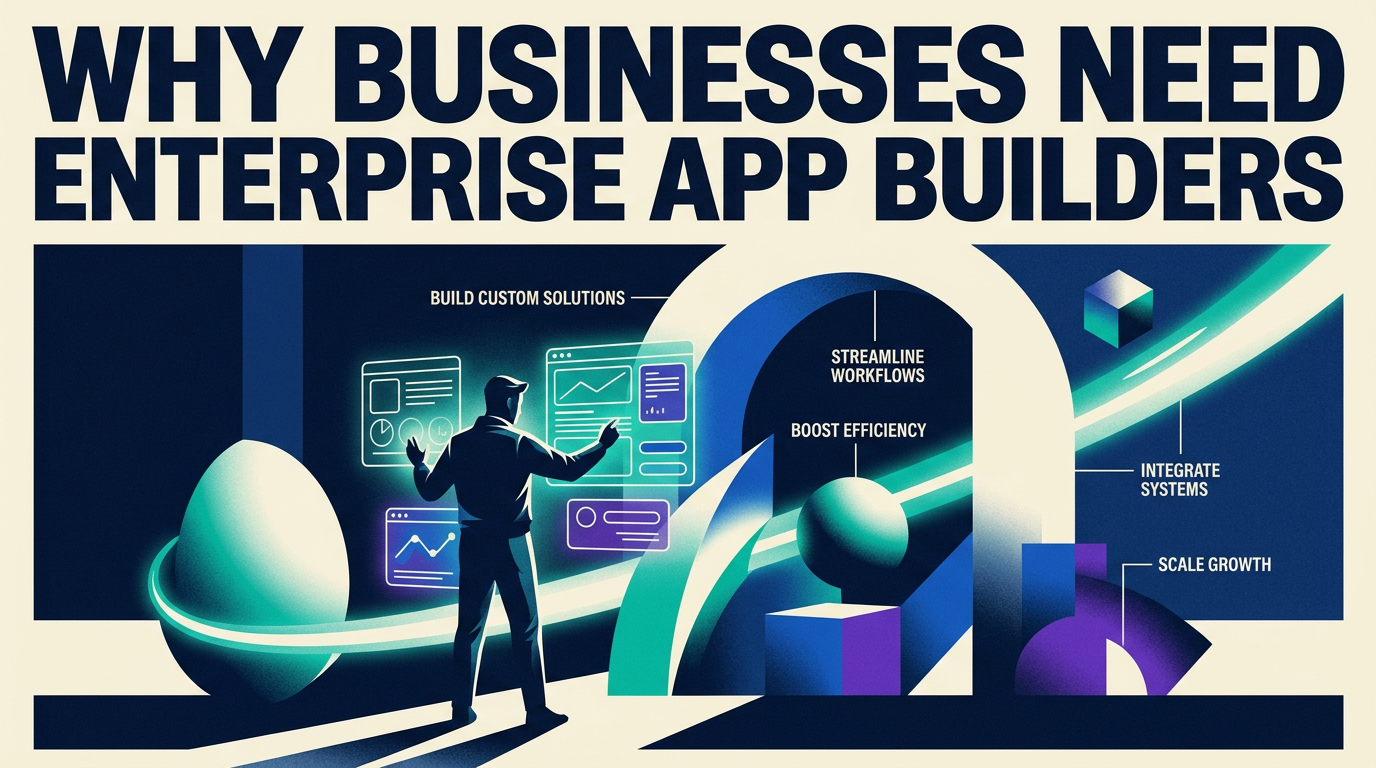
The traditional software development cycle is too slow for how fast business requirements change. A logistics company needs a new dispatch dashboard. A finance team needs a custom approval workflow that their off-the-shelf ERP can't support. A customer success team needs a tool that merges data from Salesforce, Zendesk, and a proprietary database into a single view.
In each case, the IT backlog is months long. The alternative — buying another SaaS subscription — either doesn't fit the use case or introduces yet another data silo.
Enterprise app builders solve this by:
- Reducing development time from months to days or weeks
- Enabling non-engineers (operations managers, analysts, department leads) to build and iterate on tools themselves
- Lowering the cost of internal tooling dramatically
- Keeping sensitive data inside your own infrastructure instead of a third-party SaaS product
- Reducing shadow IT, where teams build ad-hoc solutions in spreadsheets or unauthorized tools
The ROI case is straightforward. If a custom-built internal tool saves 10 hours per week across a team of 20 people, and you can build it in a week instead of a quarter, the math favors the platform investment almost immediately.
Key Features to Look for in Enterprise App Builders
Not all platforms are equal. When evaluating an enterprise app builder, these are the capabilities that separate production-ready tools from prototyping toys.
AI-assisted development is now table stakes for modern platforms. The best tools let you describe an application in natural language and generate a working first draft — complete with data model, UI, and basic logic. The degree of quality and customizability varies enormously between platforms.
Drag-and-drop UI builder with a rich component library. Look for tables, forms, charts, kanban boards, calendars, and modals out of the box. Custom components or the ability to bring in React libraries are a major advantage for technical teams.
Data connectivity is where many platforms fall short at the enterprise level. You need native connectors for PostgreSQL, MySQL, REST APIs, GraphQL, and major SaaS platforms (Salesforce, HubSpot, Stripe, etc.). ERP integration — SAP, Oracle, Microsoft Dynamics — is critical for larger organizations and often overlooked in platform comparisons.
Role-based access control (RBAC) and granular permissions. Enterprise apps handle sensitive data. You need the ability to control who can view, edit, or delete records — and ideally to define those rules conditionally (e.g., a manager can see all records; a rep can only see their own).
Audit trails and version history. In regulated industries, you need to know who changed what and when. This is non-negotiable for finance, healthcare, and legal use cases.
Deployment flexibility. Cloud-hosted is the default, but some organizations need on-premises or private cloud deployment for data sovereignty or compliance reasons. Platforms that only offer shared cloud infrastructure will be disqualifying for certain enterprise buyers.
SSO and enterprise authentication. SAML, OKTA, and Azure AD integration should be available on business-tier plans, not locked behind custom enterprise contracts.
Top Enterprise App Builder Platforms in 2026
The market has matured significantly. Here's how the leading platforms compare across different use cases.
Microsoft Power Apps remains the default choice for organizations already deep in the Microsoft 365 ecosystem. Tight integration with SharePoint, Teams, and Azure makes it compelling, but the UI builder feels dated compared to newer entrants and non-Microsoft data source connectivity requires more effort.
Retool is the gold standard for developer-led internal tools. Its component library is extensive, the data source support is the broadest in the market, and it strikes a good balance between visual building and dropping into custom JavaScript when needed. Less suitable for business users without technical support.
Bubble is best positioned for external-facing product development and MVP builds. It's powerful for solo founders and small teams building customer-facing apps, but can feel heavy for pure internal tooling.
Softr excels at speed and simplicity for Airtable and Google Sheets-backed apps. If your data already lives in Airtable and you need a clean client portal or team tool fast, Softr is hard to beat. Ceiling is low for complex logic.
AppQuartex takes an AI-first approach designed for cross-functional teams — a mix of business operators and developers working together. Its natural language interface generates application scaffolding rapidly, while still offering a code layer for customization. Strong positioning for organizations that want to move fast without a dedicated engineering team owning every internal tool.
Base44 focuses on AI-powered rapid development with a clean visual layer. Good for teams that want speed above all else, though enterprise-grade security features are still maturing.
Airtable has evolved significantly with its App Building capabilities and remains an excellent choice when your primary need is structured data management with light application logic on top.
Use Cases by Business Function
Enterprise app builders aren't just for IT teams. Here's how different departments are putting them to work.
Finance and accounting: Approval workflows for purchase orders, expense reporting tools, budget vs. actuals dashboards that pull from ERP and BI systems, vendor management portals.
Sales and marketing: Lead routing and qualification tools, proposal generators, territory management dashboards, event check-in apps, co-marketing partner portals.
Human resources: Employee onboarding trackers, performance review systems, PTO request workflows, org chart builders, internal job posting boards.
Operations and supply chain: Inventory management interfaces, dispatch and routing tools, supplier scorecards, equipment maintenance logs, incident reporting systems.
Customer service: Agent dashboards merging CRM and ticketing data, escalation workflow tools, customer-facing self-service portals, SLA tracking dashboards.
IT and engineering: Internal developer portals, infrastructure request systems, incident management tools, access provisioning workflows.
Security and Compliance in Enterprise App Development
Security is where enterprise app builders need to earn their credibility. When evaluating platforms, assess these areas carefully:
Data residency and hosting. Where is your data stored? Which cloud provider? Is there an option for single-tenant or on-premises deployment? For EU-based organizations, GDPR-compliant data residency (data remaining within the EU) is often a hard requirement.
Compliance certifications. SOC 2 Type II is the baseline for US enterprise procurement. ISO 27001 matters for European and international customers. Healthcare use cases require HIPAA compliance. Ask for the vendor's compliance documentation before signing.
Encryption. Data should be encrypted at rest and in transit. Check whether encryption keys are managed by the vendor or if you can bring your own keys (BYOK) for sensitive workloads.
RBAC and row-level security. Application-level access controls should be enforceable at both the UI and data layer, not just in the interface.
Audit logging. Every read, write, and delete should be logged with user identity and timestamp — queryable and exportable.
Shadow IT is a related risk worth addressing proactively. The goal of enterprise app builders is to centralize and govern internal tool development, not fragment it further. Establish a clear internal policy for which platform is approved, how apps get reviewed before production deployment, and who owns maintenance.

Integration and Data Connectivity
The value of an enterprise app builder scales directly with how well it connects to your existing systems. Evaluate connectivity across three layers:
Databases: Native support for PostgreSQL, MySQL, MongoDB, Microsoft SQL Server, Snowflake, BigQuery, and Redshift covers most enterprise data stacks. Check whether connections are direct or proxied, and whether you can query via custom SQL or only through a GUI abstraction.
REST and GraphQL APIs: Any modern platform should support custom API calls with full control over headers, authentication (API keys, OAuth 2.0, JWT), and request bodies.
SaaS and third-party connectors: Pre-built integrations with Salesforce, HubSpot, Stripe, Airtable, Google Sheets, Slack, and similar platforms dramatically reduce connection setup time. The depth of these integrations (read-only vs. full CRUD) varies significantly.
Legacy systems: ERP integration — particularly SAP, Oracle, and Microsoft Dynamics — is the hardest problem in enterprise data connectivity. Most platforms handle this through REST API layers exposed by the ERP vendor, but requires technical configuration.
Pricing Models Explained
Enterprise app builder pricing falls into a few common structures:
Per-user/per-creator pricing charges based on how many people are building apps versus how many are using them. Retool, for example, distinguishes between "builders" and "end users." This can be economical if you have a small build team and many consumers.
Per-app pricing is less common but favored by some platforms for certain tiers.
Flat-rate or seat-based enterprise contracts are typical at the high end — negotiated annually, often bundling compliance features, dedicated support, and SLA guarantees.
Free tiers are available on most platforms but come with meaningful limitations — usually on the number of apps, users, or data row limits. They're suitable for evaluation, not production.
When calculating total cost, account for: platform fees, the internal engineering time required to set up and maintain integrations, training, and the cost of migrating if you eventually outgrow the platform.
How to Choose the Right Platform
Run through this decision framework:
- Who will be building? If it's developers, lean toward Retool or AppQuartex. If it's business users, Softr or Power Apps. If it's a mixed team, AI-first platforms that support both are worth prioritizing.
- What are your data sources? Make a list. Verify native support before shortlisting.
- What are your compliance requirements? SOC 2, HIPAA, GDPR — filter out platforms that don't meet your baseline before comparing features.
- How complex is your logic? Simple CRUD tools are easy. Complex multi-step workflows with conditional branching, async operations, and external API calls require a platform with solid JavaScript or Python extensibility.
- What's your deployment requirement? Cloud-only, private cloud, or on-premises changes your shortlist significantly.
- What's the realistic TCO? Calculate platform cost plus setup time plus ongoing maintenance — not just the sticker price.
Future of Enterprise App Building with AI
The trajectory is clear. AI is shifting the bottleneck in app development from writing code to writing clear specifications. The platforms that will win in the next three years are those that can take a business requirement — described in plain language — and produce a deployable, secure, production-grade application with minimal manual wiring.
Vibe coding (iterating on applications through conversational prompts rather than visual editors) is already changing how developers work and will extend that capability to non-technical builders. AI agents embedded in enterprise tools will move beyond UI generation into autonomous workflow execution — triggering multi-step processes, updating records across systems, and surfacing exceptions for human review.
The governance question will become more pressing: as more people can build more apps faster, organizations will need internal app lifecycle management — versioning, review processes, deprecation policies — to avoid accumulating technical debt in their no-code layer.
Getting Started
The fastest path to evaluating an enterprise app builder is to pick a real internal problem your team has right now and build it. Most platforms offer free trials sufficient for a meaningful proof of concept.
Define the use case clearly — what data sources are involved, who the users are, what actions they need to take. Build it. Then evaluate: How long did it take? Where did you hit friction? Does the output feel production-ready?
That test will tell you more than any feature comparison matrix.
Frequently Asked Questions
What is an enterprise app builder and how does it work?
An enterprise app builder is a platform that lets teams create custom business applications through visual interfaces, pre-built components, and AI assistance — without writing traditional software from scratch. They connect to your existing databases and APIs, and provide tools to define UI, logic, and permissions.
Do I need coding experience to use an enterprise app builder?
It depends on the platform and complexity of your use case. No-code platforms require no technical background. Low-code and AI-first platforms work best when at least one team member has some technical familiarity, though the barrier is much lower than traditional development.
How much does an enterprise app builder cost?
Typical pricing ranges from free (limited) tiers to $50–$100/user/month for business plans, with custom enterprise contracts at higher volumes. Factor in setup time and integration work when comparing total cost.
What's the difference between low-code and no-code enterprise platforms?
No-code targets business users with no technical background and prioritizes simplicity. Low-code targets developers who want speed without sacrificing control — you can drop into code for complex logic.
How secure are enterprise app builders for business data?
Enterprise-grade platforms offer SOC 2 compliance, RBAC, audit logging, encryption, and SSO. Security capability varies significantly by vendor and pricing tier — always request compliance documentation before committing.
Can enterprise app builders integrate with existing business systems?
Yes. Most platforms connect to SQL databases, REST APIs, and major SaaS tools. ERP integration (SAP, Oracle) is possible but typically requires more configuration.
What types of applications can I build?
Internal dashboards, approval workflows, customer portals, inventory management systems, HR tools, CRM extensions, reporting tools, and any custom CRUD application your business needs.
How long does it take to build an enterprise app with these platforms?
Simple tools can be built in hours to days. Complex multi-system applications with conditional logic and custom workflows typically take one to three weeks — compared to months with traditional development.
The enterprise app builder market has reached a level of maturity where almost any internal tool your business needs can be built without a full engineering project. The question is no longer whether to use one — it's which platform fits your team, your data, and your compliance requirements best.
On this page
Share

Ready to ship internal tools—safely?
Book a demo to see AppQuartex on your use case and deployment requirements.

Crea aplicaciones internas seguras con tu equipo — dashboards, aprobaciones y flujos de trabajo — desplegados con controles de TI.
© 2026 AppQuartex.ai. Todos los derechos reservados.